
Disclosure: This post contains affiliate links. If you make a purchase through one of these links, I may earn a commission at no additional cost to you. As an Amazon Associate I earn from qualifying purchases.
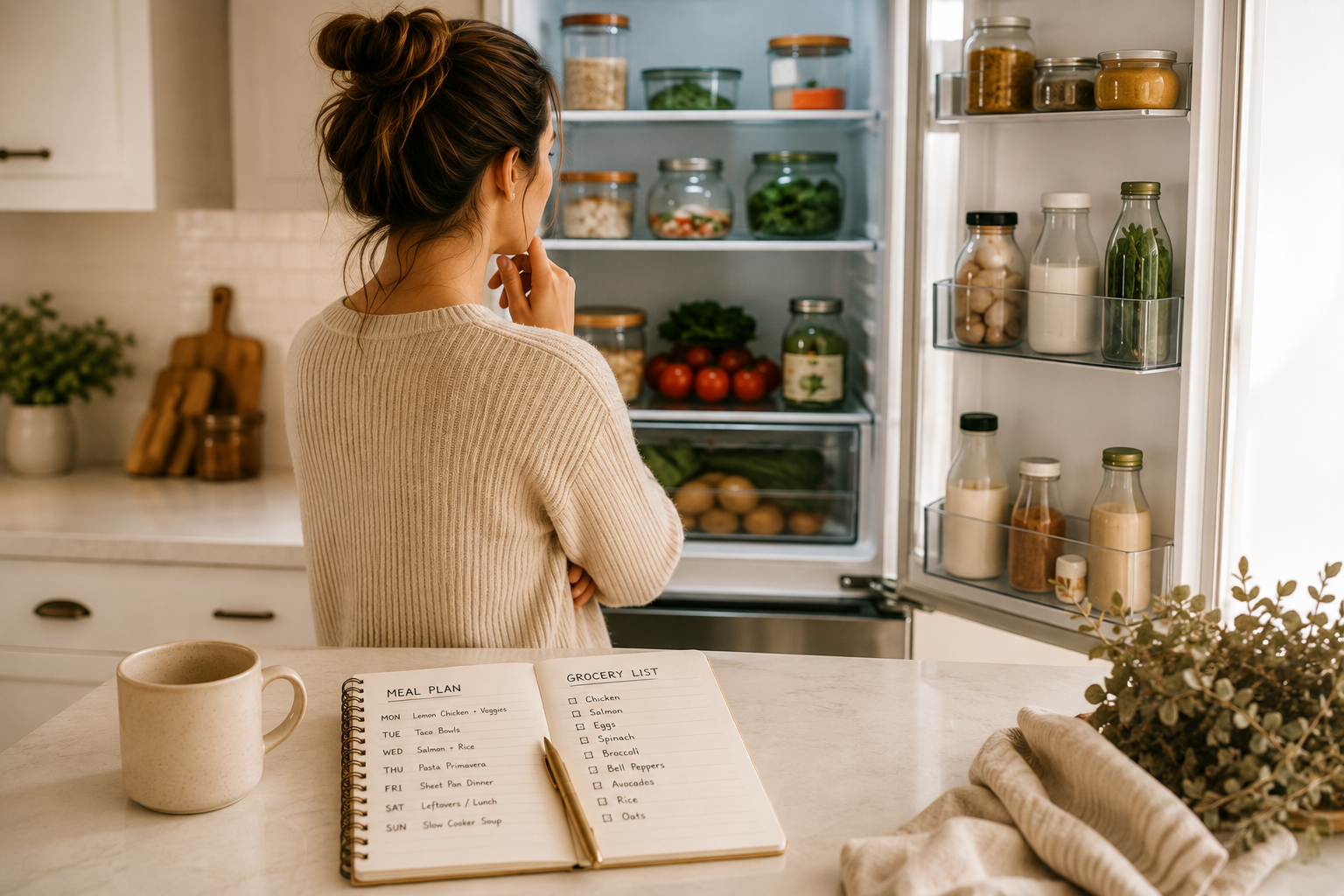
Sunday night, seven dinners to figure out, and a brain that’s already out of bandwidth. One ChatGPT prompt can turn that into a full week — a dinner plan, grocery list, prep plan, and a backup meal for when everything falls apart — in about ten minutes.
ChatGPT is fast at drafting all of that. It just doesn’t know your kitchen, your grocery prices, or your kids’ moods, unless you tell it. The prompt below hands it everything it needs, so the first draft is already close to right.
The 6-part system this prompt builds
Run one prompt once a week and you get:
- A realistic 7-day dinner plan that skips or simplifies the nights you’re already stretched thin
- A categorized grocery list — produce, dairy, meat, pantry, frozen — with duplicate ingredients combined
- A short prep plan for one session that sets up the rest of the week
- A leftovers and lunch map — which dinners double as tomorrow’s lunch
- One emergency backup dinner, made from staples, held in reserve for the night nothing goes as planned
- A reusable format — next week, you update a few lines instead of starting over
The master weekly meal-planning prompt (copy and paste)
Copy this into ChatGPT, fill in the brackets, and send it.
Act as a practical weekly meal-planning assistant for a busy household. Build a full system, not just a list of meals.Our household:- People eating and ages: [e.g., 2 adults, 2 kids ages 4 and 7]- Allergies or foods to avoid: [e.g., peanut allergy, no shellfish]- Dietary preferences or restrictions: [e.g., vegetarian, low-carb, no restrictions]- Weekly grocery budget (optional): [e.g., around $150]Our week:- Nights that are busiest or tightest on time: [e.g., Tuesday — soccer until 6:30, Thursday — late meeting]- Nights already spoken for — don't plan a meal for these: [e.g., Friday is pizza night]- Realistic cooking time on a normal weeknight: [e.g., 30 minutes or less on weeknights, more time on weekends]- Kitchen equipment I want to use: [e.g., slow cooker, air fryer, stovetop and oven only]What's already in our kitchen — use these up if you can:- Pantry, fridge, or freezer items to work into the plan: [e.g., half a bag of spinach, a rotisserie chicken, a can of black beans]Preferences:- Meals or ingredients we already love: [e.g., tacos, stir-fry, pasta]- Meals or ingredients to avoid: [e.g., no mushrooms, not a fan of seafood]- Leftovers: [e.g., happy to eat leftovers for lunch, or prefer no repeats]Using all of this, build a full weekly system with six parts:1. A 7-day dinner plan. Skip or simplify meals on the busy/tight nights I listed, and don't plan anything for the nights already spoken for. Note which meals use up the pantry items I listed.2. A grocery list, organized by store section (produce, dairy, meat, pantry, frozen), combining duplicate ingredients across meals and leaving off anything I already have on hand.3. A short prep plan — one prep session (tell me roughly how long it'll take) with a simple order of operations for what I can chop, cook, or portion ahead.4. A leftovers and lunch map — which dinners make good extra portions, and which day's lunch each one becomes.5. One emergency backup dinner that isn't part of the 7-day plan — made entirely from shelf-stable or freezer staples, for the night everything falls apart.6. Format the whole thing so it's easy to reuse next week — tell me exactly which lines above I'd need to update (like the busy nights or pantry items) to regenerate a new plan without re-entering everything from scratch.Use overlapping ingredients across meals wherever possible to reduce cost and waste.
Customizing the prompt
No strict budget? Delete that line rather than leaving it blank. Planning for one adult? Add “portion for one, but freezer-friendly for extra servings.” No unusually busy night this week? Say so rather than skipping the line.
Household size, allergies, equipment, and budget rarely change — save this filled-in version once, somewhere you’ll find it again. What changes weekly is the busy-nights, pantry, and spoken-for lines. Update just those and resend. That’s the whole reusable system.
Make the plan visible
Once ChatGPT creates your weekly plan, put it somewhere everyone can see it. A magnetic weekly meal-planning board on the refrigerator makes it easier to follow the plan, check what’s for dinner, and adjust meals during the week.
How to use what you get back
Treat the first output as a draft, not a final answer — everything below is a one-line fix in the same conversation, not a reason to start over.
- Dinner plan: check that it actually skipped your busy nights and used your pantry items. If not, say so — “Monday’s busy, simplify that meal” — and ChatGPT adjusts just that day.
- Grocery list: didn’t come through automatically? Ask directly, organized by store section. Double-check quantities against what’s already in your kitchen before you shop.
- Prep plan: too long for your week? Say “shorten this to 20 minutes” for a more realistic version.
- Leftovers map: a mapped leftover won’t reheat well? Ask for a different night to double instead.
- Emergency dinner: keep the ingredients stocked and treat it as insurance. If you use it on a normal week, ask for a new one to replace it.
- Anything else: “give me more variety,” “swap Tuesday for chicken,” or “my Thursday plans changed, adjust that day” all work in the same chat.
If your plan includes prepping ingredients or meals ahead of time, a set of glass meal-prep containers with lids can help keep everything organized and ready for the week.
Customizing for your family
- Picky eaters: name their reliable “safe” foods and ask for at least one kid-friendly component in each dinner.
- Tight budgets: ask ChatGPT to prioritize overlapping ingredients and flag the most budget-friendly meals.
- Allergies and dietary restrictions: be specific (“no tree nuts, including almond flour,” not just “nut allergy”). For anything tied to a medical condition, treat the plan as a draft for a doctor or registered dietitian to review — not medical guidance.
Common mistakes to avoid
- Being vague about your week, not just your household. The busy-night and pantry details are what make this a system instead of a generic list.
- Skipping the prep plan or treating the emergency dinner as optional. Both are what hold the rest of the week together.
- Rebuilding the prompt from scratch instead of updating the handful of lines that changed.
Quick FAQ
Do I need ChatGPT Plus for this?
No — the free version can generate the full plan and grocery list.
What if my week changes after I already have a plan?
Tell ChatGPT what changed in the same conversation — it usually takes one sentence to get an adjusted day or a promoted backup dinner.
Your next weekly plan is 10 minutes away
Save the prompt, update the handful of lines that changed, and send it again. That’s what turns a one-time ChatGPT experiment into a system you’ll actually keep using.
Leave a Reply